Clip live streams while they are still live
Add a streamer once. ClipKontrast records the stream, finds the best moments and hands you captioned vertical clips while it is still live. Replays work too.
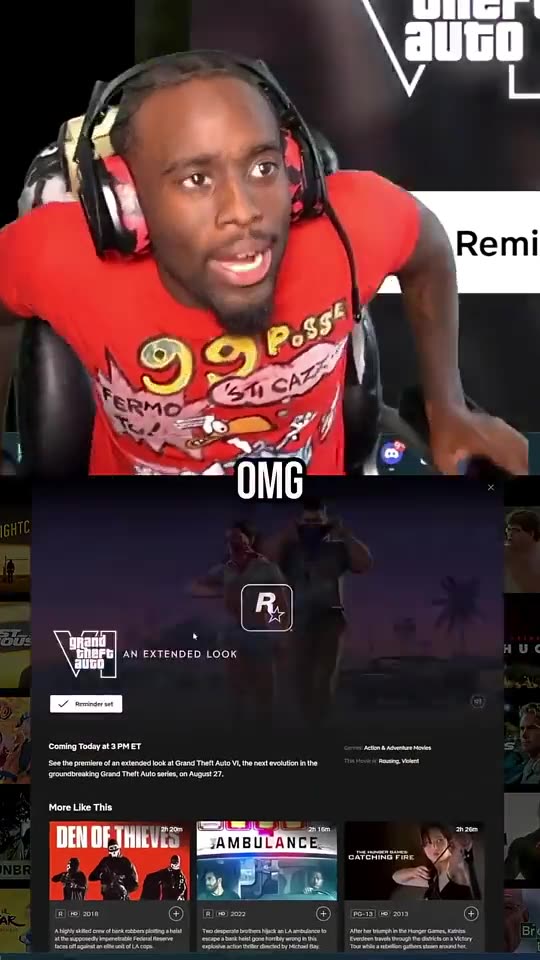
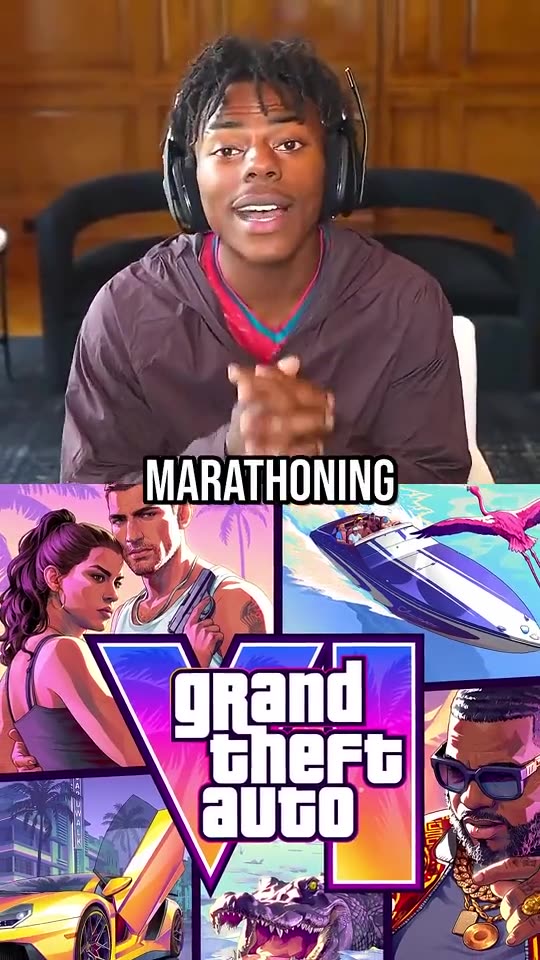
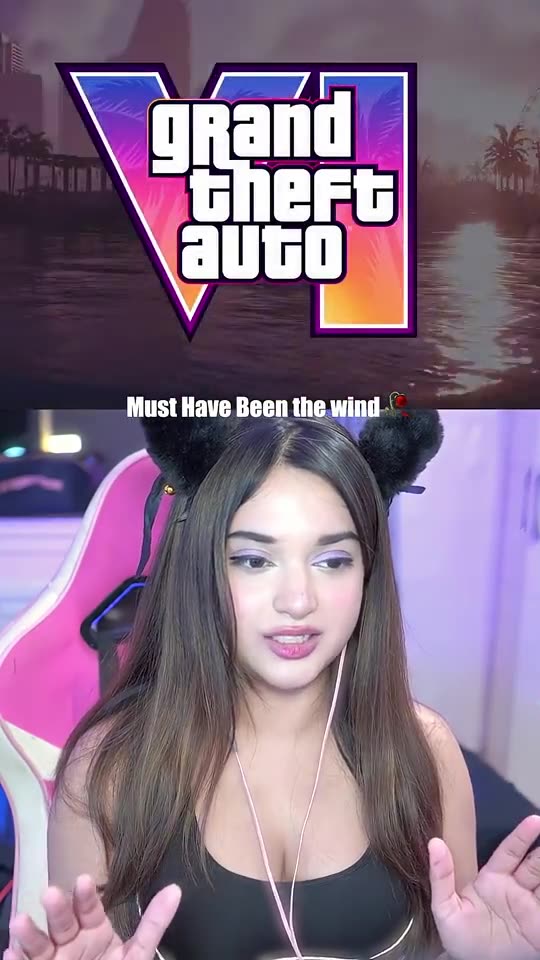
GTA 6 reaction
on GTA 6
stream reaction
Example clips made with ClipKontrast from public streams, credited to the creators. Not affiliated with or endorsed by them.
Clips from
YouTubeTwitchKickYour own video filesPosts straight to
YouTube ShortsInstagram ReelsOpen source
Free to use. Runs on your own machine, with your own AI key.
ClipKontrast is free and open source. Install it on your computer, add an API key for the AI you like, and every feature is yours: no plans, no seats and no limits.
How it works
Three steps from a stream to a folder of clips.
Paste a link, upload, or add a streamer
Drop in a YouTube, Twitch or Kick link, or upload a video file. For live streams, add the streamer's channel once and ClipKontrast records when they go live. Pick a caption style and how long clips should be.
The AI finds the moments
The whole recording is transcribed, the strongest moments are picked and scored, and each one is cut into a vertical clip with captions timed to the voice. A 15-minute video takes about two minutes. Long streams hand over their first clips after about two.
Download, post, or keep editing
Every clip arrives captioned, scored, and with a hook, title, description and hashtags written for it. Trim it, change the style, download it, or queue it to post. Each video keeps its own set of clips to come back to.
Features
The parts of clipping that eat your week.
Scored by two separate judges
One AI reads only what was said. Another sees only how loud the streamer got and how busy chat was. During a live stream, a clip is made when both agree, so you get moments, not filler.
Captions, styled once
Word-by-word captions are burned into every clip, with the key words highlighted and a hook line on top. Pick one of three styles per creator and every clip follows it.
Clips while they are still live
Add a streamer's channel and ClipKontrast can start recording by itself when they go live. It keeps the last stretch of stream, checks it as often as every minute, and has clips ready before the stream ends.
Every AI call accounted for
Each time the AI works it is listed under one of these, with the creator, the video and the tokens used, so you always know what your key is doing.
Built for anyone with long footage and no time to cut it.
Streamer or brand? Launch your own campaign.
Clippers turn your streams into Shorts, Reels and X posts. We run it for you: the brief, the clippers, checking every clip and the payouts. You see the views and the clips posted.
- 01Send a requestTakes two minutes. No payment now.
- 02We plan it with youThe brief, the rate and a launch date.
- 03Clips go liveYou see the views and clips posted.
FAQ
Got any questions left?
The things people ask before they run their first stream through ClipKontrast.
Is ClipKontrast free?
Yes. ClipKontrast is free and open source. You run it on your own computer or server, and there are no plans or fees.
Which AI does it use?
Your own. Add an API key for Gemini, OpenAI, Grok, Claude or OpenRouter, or point it at a local model. Whatever the AI costs is between you and that provider.
What happens without an AI key?
ClipKontrast still makes clips, picking the loudest moments that have speech in them. Add a key and the AI chooses the moments and writes the hooks and titles.
Which videos work best?
Anything with people talking and reacting: live streams, gaming VODs, podcasts, interviews. Links can be from YouTube, Twitch or Kick, or you can upload a video file. Captions are written from English speech.
How long are the clips, and what shape?
Vertical 9:16, the shape Shorts, Reels and TikTok use. They run 15 to 60 seconds by default and you can set your own range. Choose a blurred fill, a zoomed frame or a centre crop.
Can I change a clip afterwards?
Yes. Open any clip to trim the start and end, rewrite the hook and title, or switch caption style and layout, then re-make it.
Can I clip any streamer?
ClipKontrast is a tool. You are responsible for having the right to clip and post a creator's content; most clipping programs ask you to follow the creator's own rules.
Your last stream is a week of clips.
Paste the link and see what the AI picks. Free and open source, on your own AI key.